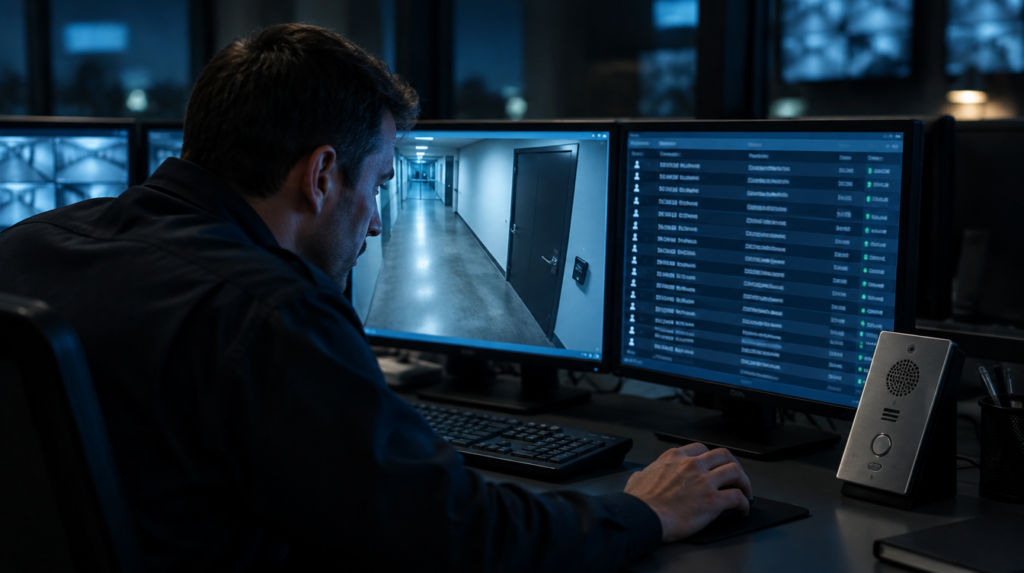
An alarm sounds at a locked door. The operator pulls up the camera feed, but the access records are on another screen, and the intercom has its own controls. They need to know who is on both sides of that door before deciding whether to unlock it. How quickly can they get an answer?
In the video below, our VP, Russ Pilcher, explains how cameras, locks, and intercoms can work together to give operators the information they need. He also talks about retrofits for facilities that once relied on broken connections.
An operator shouldn’t have to search three systems to understand one event. Yet that’s what happens when equipment installed for the same security operation can’t share information. The delay adds pressure at the moment someone has to decide.
Security Teams Are Dealing With This Problem
In the 2024 Campus Safety Video Surveillance Survey, 26% of roughly 200 respondents said they upgraded their video system because it didn’t integrate with their other security technologies. In the 2023 survey, about a quarter of respondents said integration was a significant challenge.
A retrofit can leave a facility with fewer connected features than it had before. Russ says this has happened in about 40% of recently retrofitted facilities he’s encountered. New equipment may perform its intended job, but an existing connection can be lost during installation.
Before replacing a system, it helps to look at what operators can do today. Which cameras appear when an alarm sounds? Can they check access records from the control center? What happens when they use the intercom? Those functions need to be accounted for in the upgrade.
When Systems Don’t Talk, Operators Pay the Price
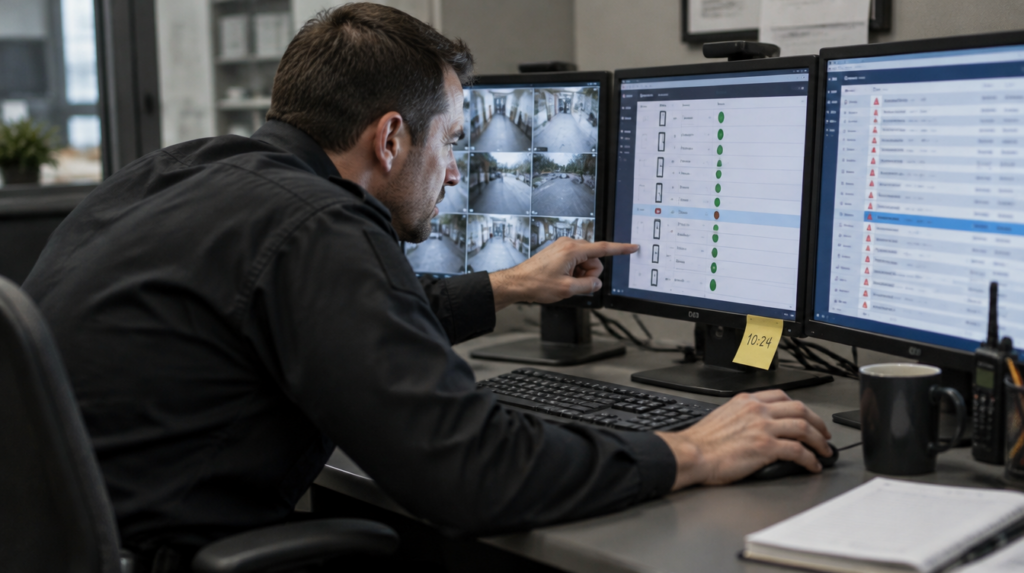
When camera feeds, door status, and intercom audio sit in separate interfaces, operators have to move between them to assess an event. They may need to match timestamps or find the camera associated with the door that triggered an alarm. That takes attention away from the event itself.
The same problem comes up with routine alerts. A door alarm provides little context if the operator can’t quickly see what happened. A motion alert may require another search to find out whether someone used a badge. If every alert takes several steps to investigate, it becomes harder to decide which one needs attention first.
How a Retrofit Can Break Integration
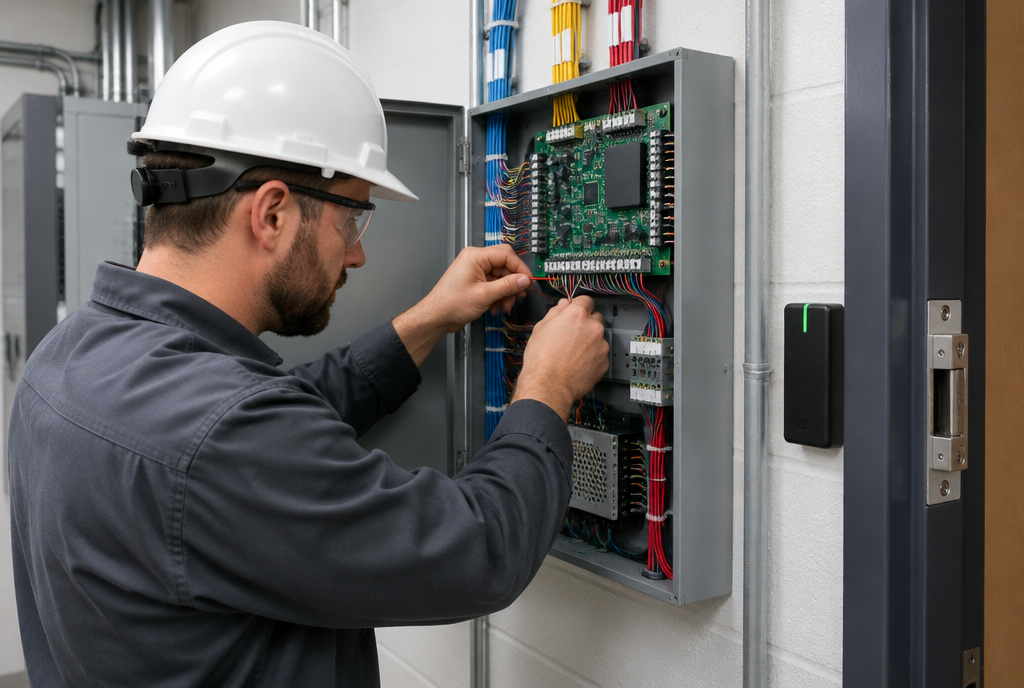
An access control panel gets replaced. Later, a facility upgrades its cameras or installs a new intercom. Each project may seem straightforward, especially when the new equipment works during its own demonstration.
The trouble can appear when the operator tries to use a connection between systems. A door alarm may no longer bring up the camera view it used to, or an intercom function may no longer work from the control center. If no one tested that connection, the change may go unnoticed.
Integration should be part of the project scope whenever a vendor replaces security equipment. Document the functions operators currently use, identify which ones the work could affect, and test them before signing off.
What Happens After an Incident?
After an incident, a facility may need to establish which alerts came through, what the operator could see, and how the equipment responded. Camera footage, access records, and alarm history can help answer those questions.
If the records sit on separate platforms, staff have to gather them and piece together the timeline. Depending on the incident, other parties may also ask how the systems were meant to work and whether they did.
Who Takes Responsibility When Systems Don’t Work Together?
The electrical contractor, low-voltage integrator, and fire and life-safety vendor may all work on the same facility under separate contracts. A problem between two systems can leave the facility coordinating several calls just to find out where it started.
APIC’s work covers electrical, low voltage, security, fire alarm, and sprinkler systems. Looking at those areas together helps us plan how the equipment will connect and address problems that cross between them.
Whatever arrangement a facility uses, it should be clear who is responsible for each connection and who will test it when the work is finished.
Some Connections Are Required
Depending on the building and local requirements, fire alarms and access-controlled doors may need to respond together. Replacing equipment can affect that response even when each component works on its own.
Testing should follow the full sequence of events. That’s how a facility can confirm the connected systems still respond as required after an upgrade.
The Ongoing Cost of Disconnected Systems
Separate systems can bring separate licenses, service agreements, and support contacts. When something stops working, staff may also spend time determining which vendor to call.
That makes the purchase price only part of the comparison. A facility also has to maintain the connections between its systems and consider how much work those systems create for the people using them.
AI Tools Need Access to the Right Information
Security analytics can flag activity such as tailgating, after-hours access, or possible credential misuse. What those tools can tell you depends on the information they receive.
For example, camera footage may show someone entering an area, while access records show whether they used a credential. A facility considering analytics should know which systems can share that information and which cannot.
Investigations Take Longer When Records Are Separate
Investigators often need footage, badge records, and alarm timestamps to reconstruct an event. If those records come from different platforms, someone has to collect them and check that the timelines match.
That extra work can slow answers for facility leadership, law enforcement, or insurers. It’s another reason to consider how easily you can retrieve information when evaluating an upgrade.
Informal Fixes Need Attention, Too
Facilities sometimes use custom connections to make older and newer equipment work together. Document and maintain those connections, especially if the person who set them up is no longer involved.
An unsupported protocol, hardcoded credential, or unmonitored middleware device can introduce a cybersecurity risk. An upgrade is a good time to review how these connections work and who maintains them.
Keep Integration Working Through Every Upgrade
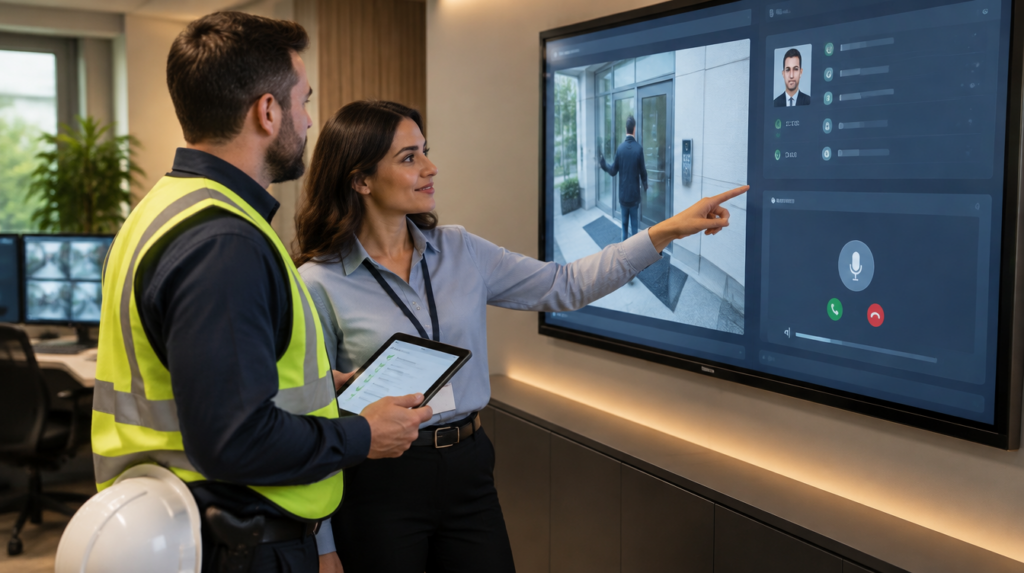
A control center operator needs to know what’s happening before opening a door or taking another action that could affect someone’s safety. The cameras, locks, and intercoms should help them get that answer quickly.
Before your next upgrade, list the connections your operators rely on. Include them in the project scope and test them with the people who use them.